Role
UI/UX Designer
Context
Bootcamp Capstone
Timeline
2 Weeks
Tools
Sketch • Figma
Melrose Trading Post • Website Redesign
Fixing a flea market that forgot its users
01 - Context
A beloved market. A website that worked against it.
Melrose Trading Post is a popular outdoor market in West Hollywood. People come for vintage finds, live music, and local vendors.
The website did not match that energy. The navigation was confusing. Nearly half of the people I tested could not finish booking an event. The brand looked flat. Ticket sales took the hit.
My goal was simple. Make events easy to find and book. And make the site feel as alive as the market.
The Problem
The site was built around how the market is organized, not how people use it. The event calendar was buried. Users hit dead ends with no way back. And checkout lived on a separate website.
02 - Research
I ran three things at once. A heuristic review, a survey, and a card sort. Together they showed where the site broke, and why.
I didn’t guess at the problems
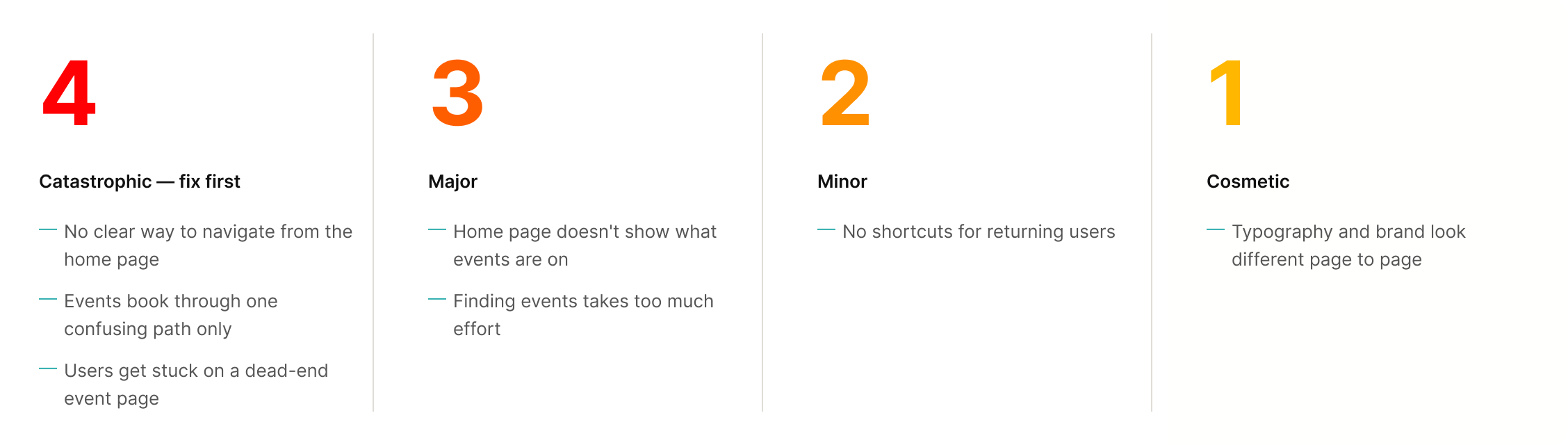
Heuristic review rated by severity
I checked every screen against standard usability heuristics and rated each issue by severity, from 1 to 4. Three top-severity issues would stop almost anyone from booking an event.
Survey - nearly half couldn’t book
I asked 25 people to find an event and add it to their cart. That is the main thing the site is for. Twelve of them could not do it. That one number justified the whole redesign.
What users said
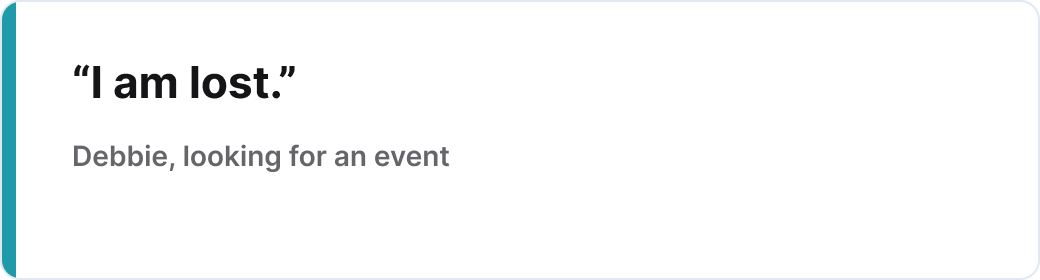
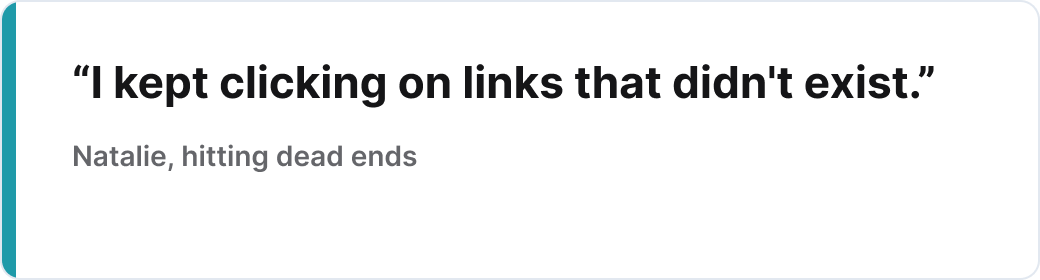
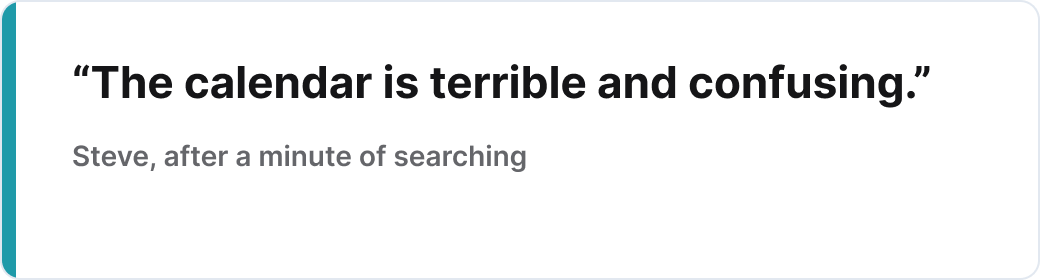
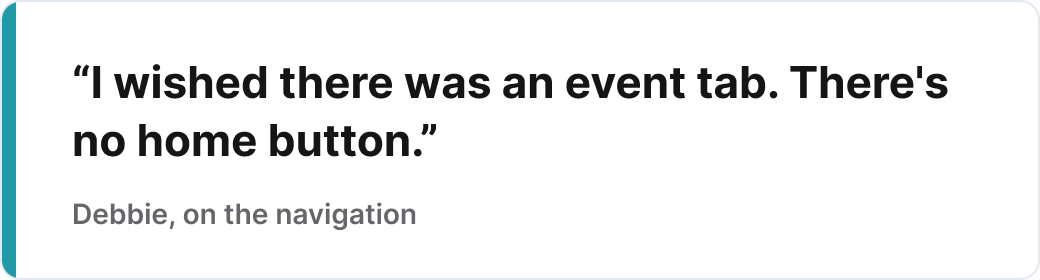
The number told me how bad it was. The interviews told me why. Four people walked through the live site while I watched.
Card sort. From 9 categories to 4.
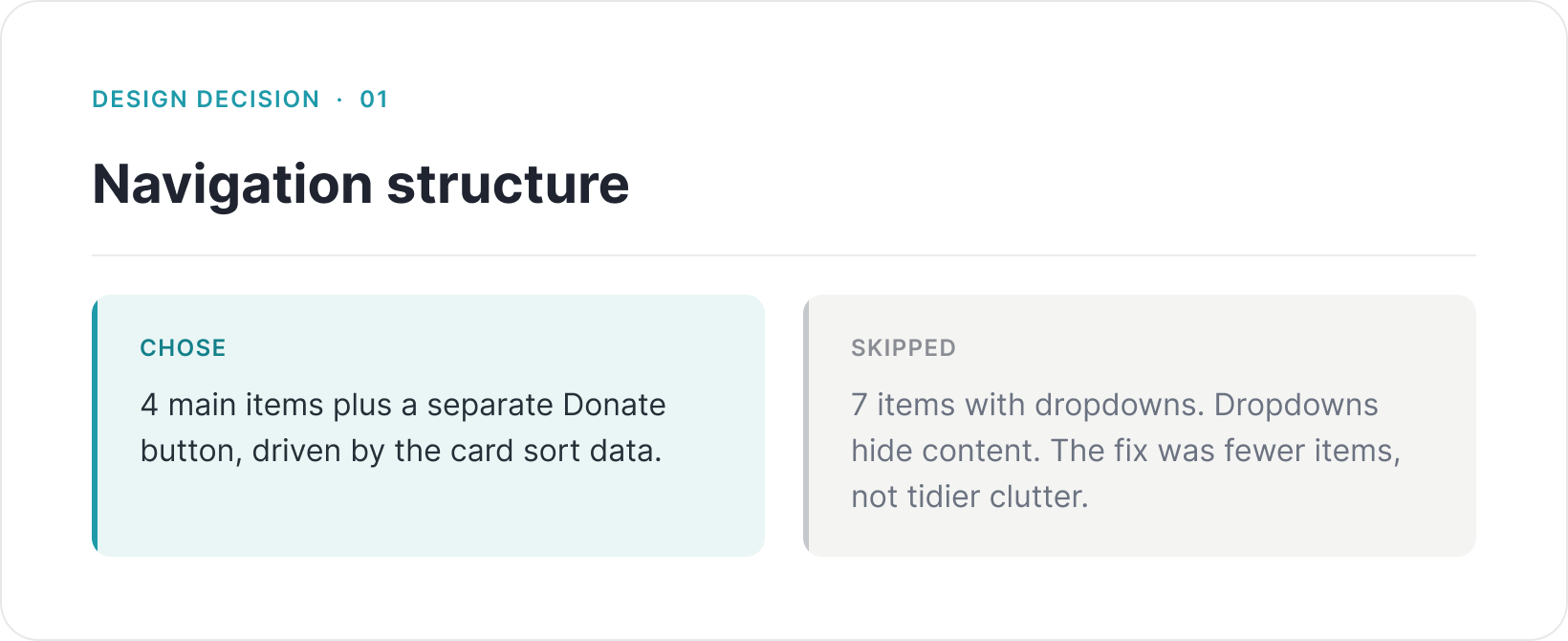
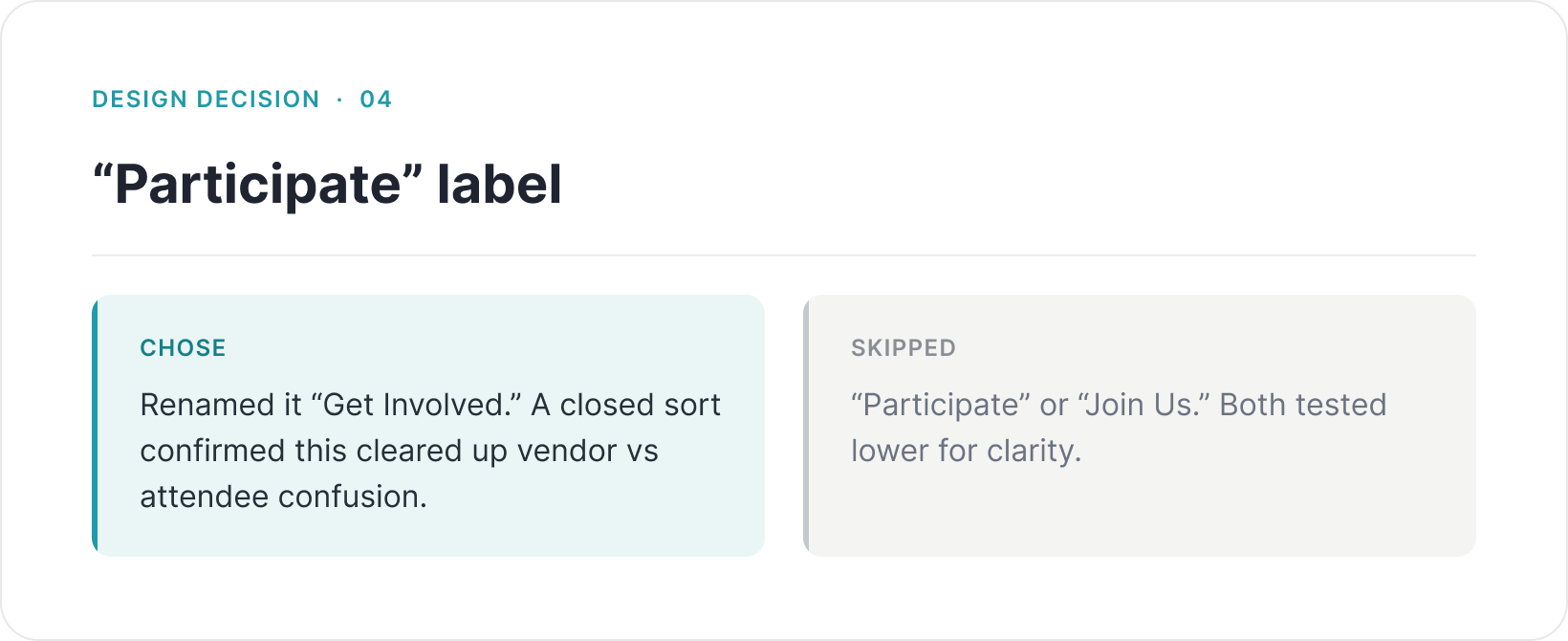
I let users group the navigation the way that felt natural to them. With no prompting, they collapsed 9 categories into 4. A second, closed sort confirmed the labels. The new site map below came straight out of that.
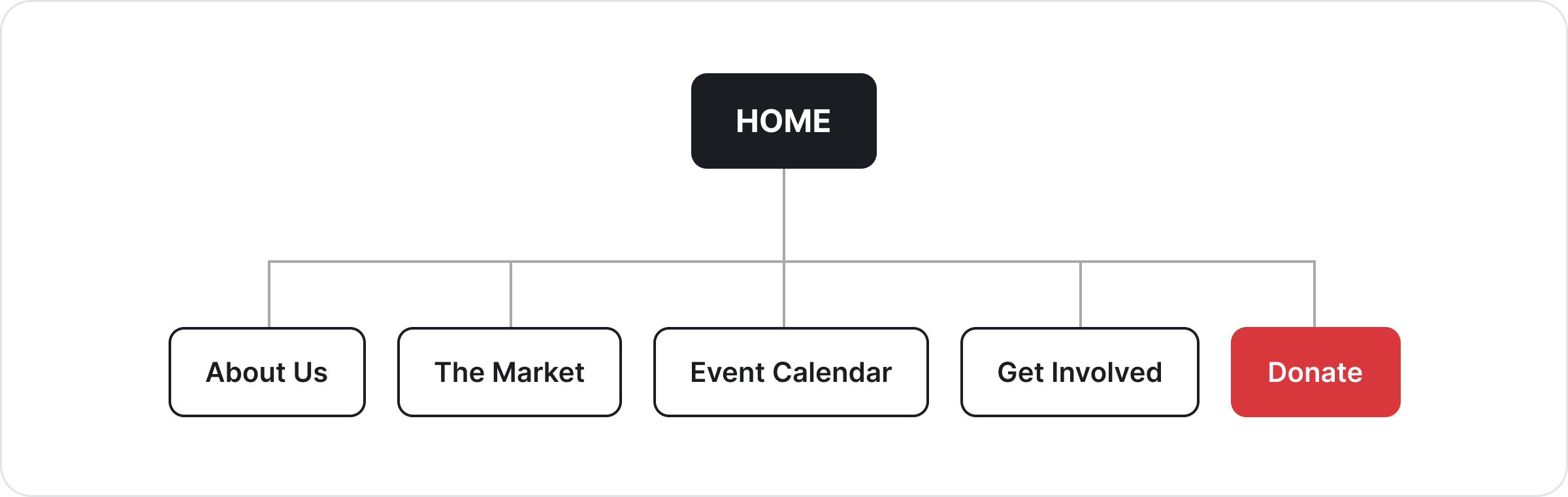
After: Four clear categories, plus a separate Donate button.
03 - The new flow
One path, start to finish
Before, booking jumped between two separate sites: MTP and the Greenway Court Theatre. There were no breadcrumbs, and a dead-end event page users could not escape.
The new flow keeps everything on one path. Users never leave the MTP site.
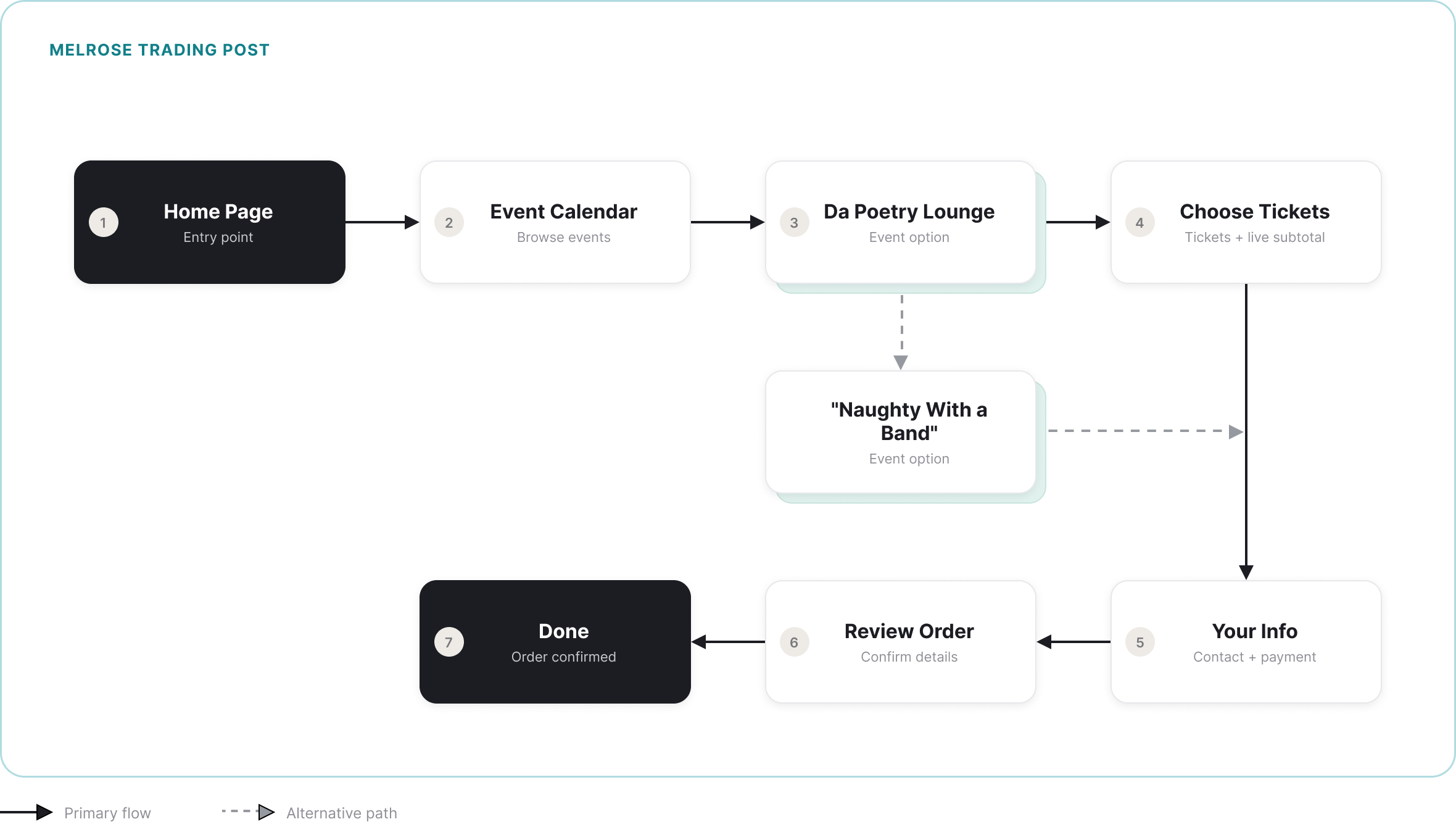
Every step stays on melrosetradingpost.org. The last four steps are a guided checkout with a progress bar, so users always know where they are and can step back without losing their order.
04 - Final Design
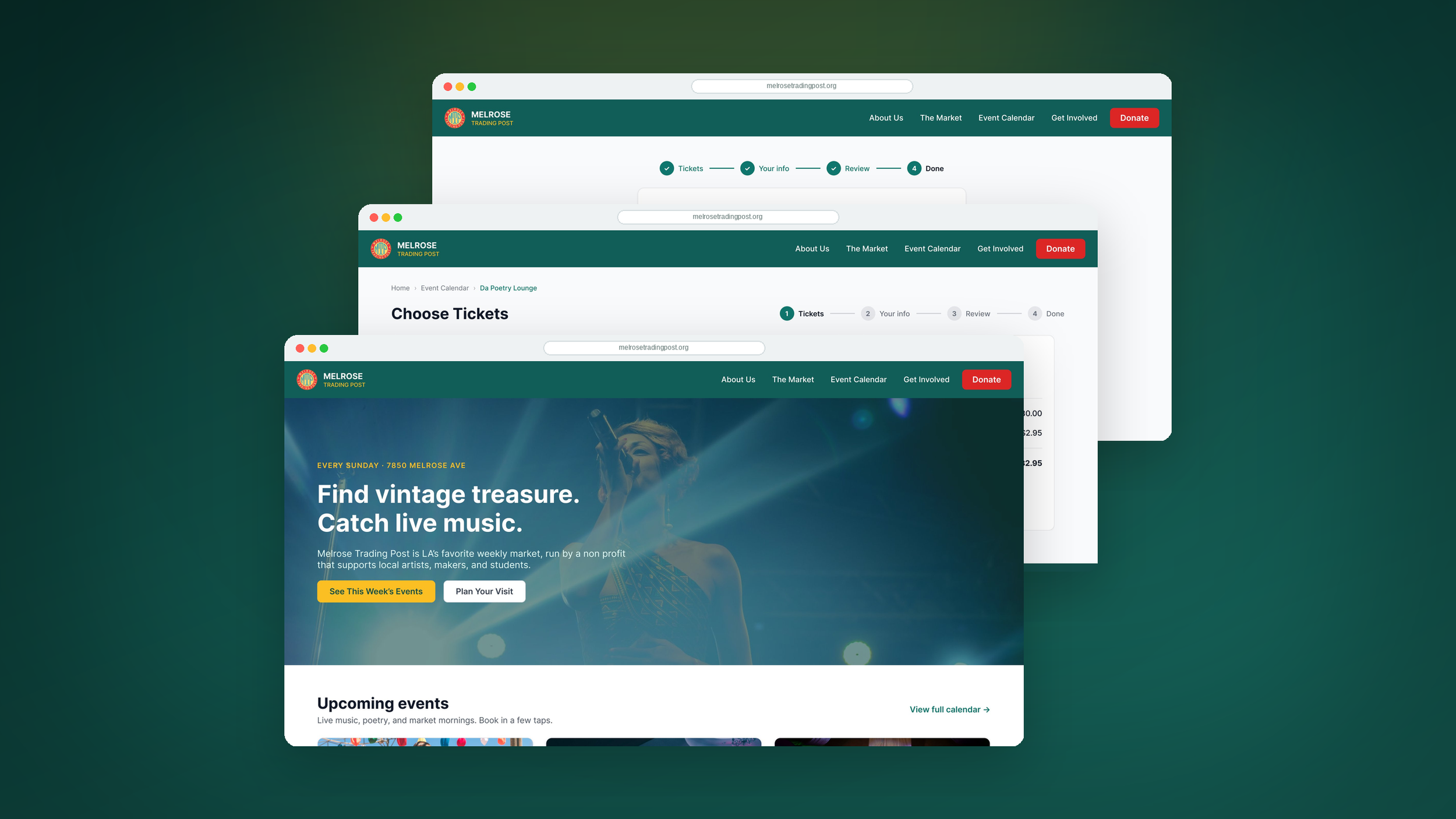
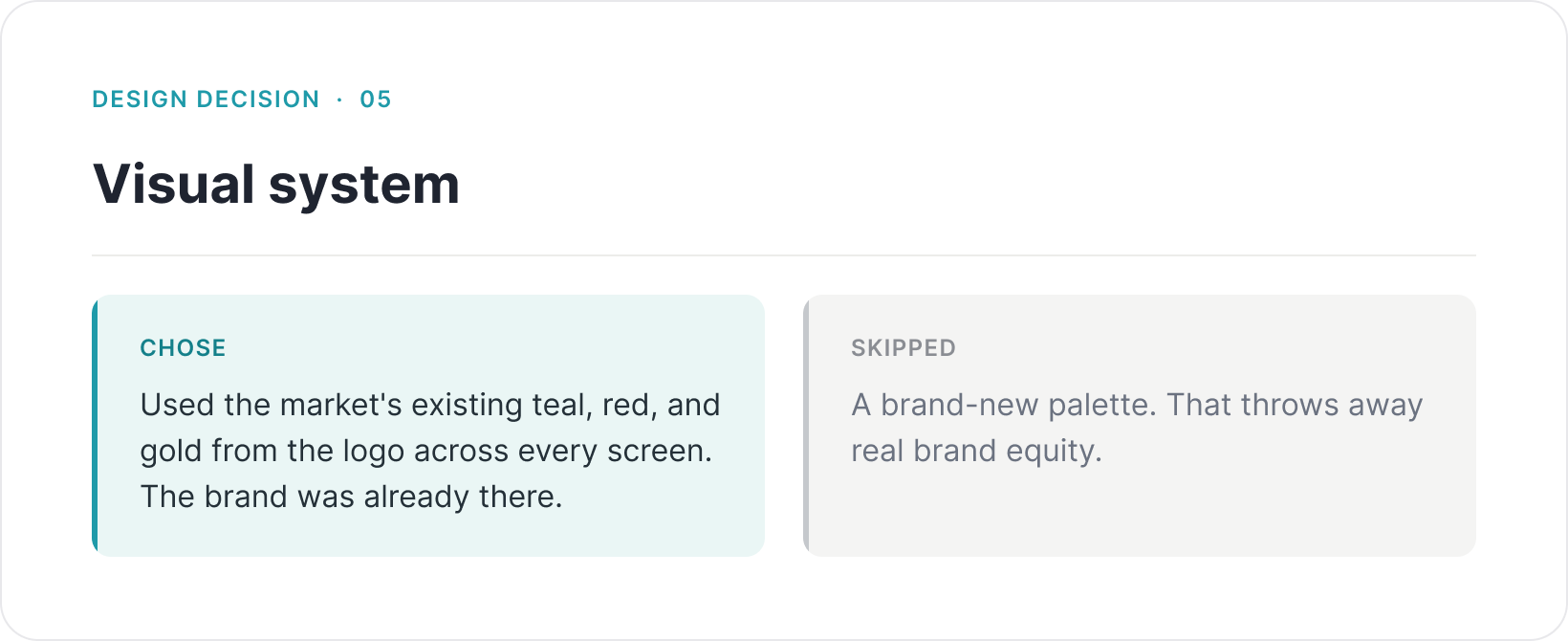
The final prototype uses one visual system. Teal navigation. Clear, readable event cards. And a checkout a first-time user can finish without help.
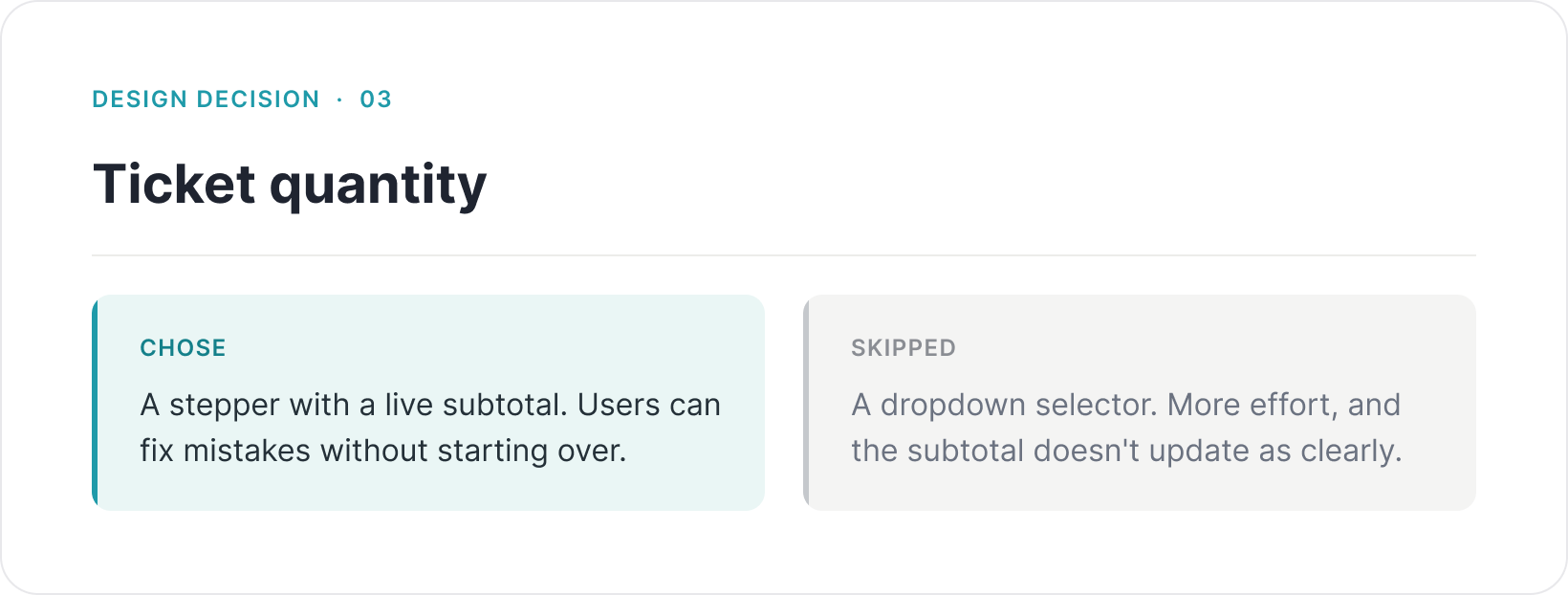
Checkout runs in four guided steps with a progress bar: Tickets, Your info, Review, Done. The subtotal updates as you add tickets, and the service fee shows before payment, so there are no surprises at the end.
A system the brand already owned
Walkthrough of the redesigned booking flow.
05 - Design Decisions
What I chose, and what I skipped
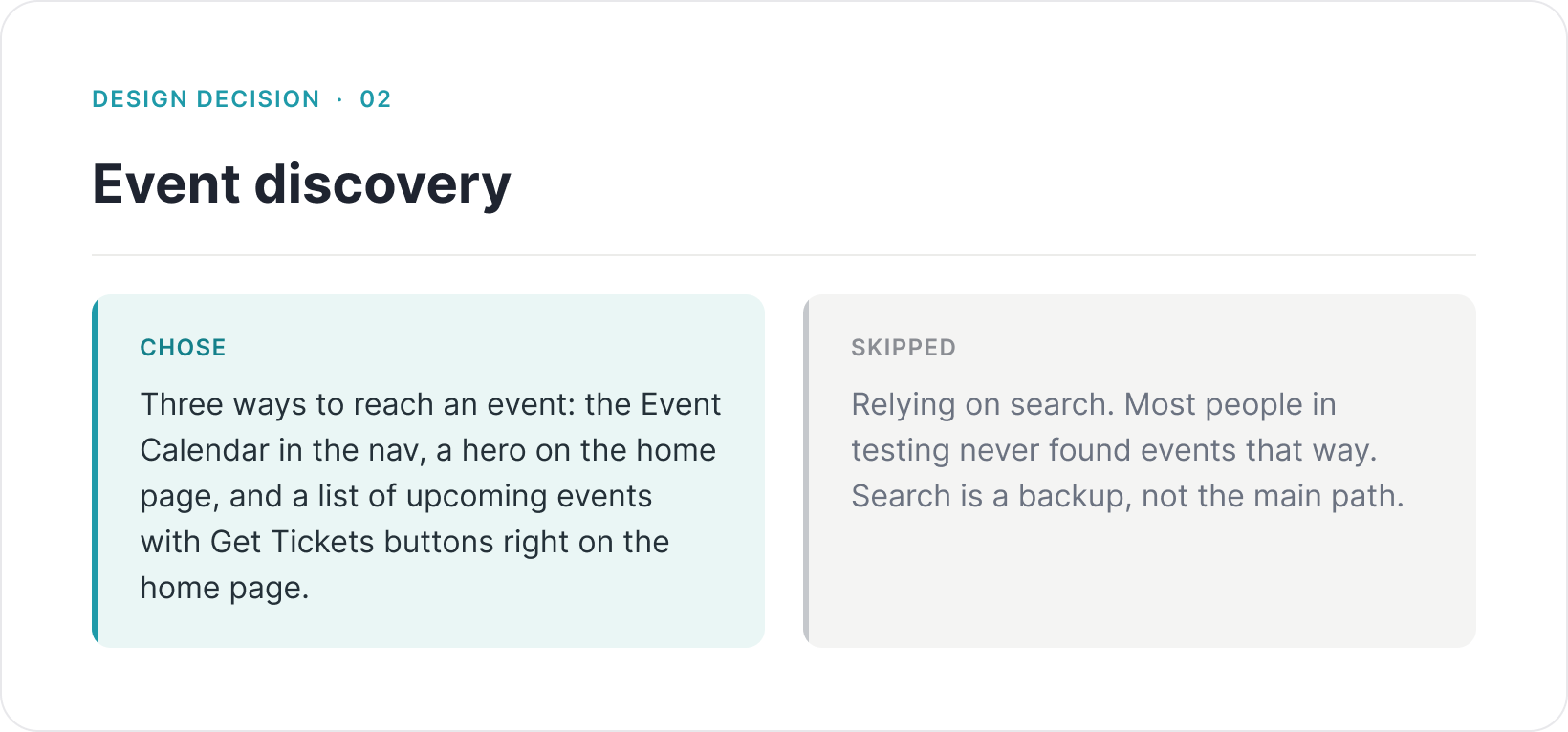
Every choice had an alternative. Here is what I picked, and why.
06 - Outcome & Next Steps
Where it landed, and what I'd do next
The redesign shipped as a complete, clickable hi-fi prototype that runs the full booking flow end to end, from the home page to a confirmed order. It replaced a broken, two-site booking path with one flow that stays on melrosetradingpost.org. Navigation dropped from nine items to four. And the whole site runs on one visual system built from the brand's own colors.
I did not run a quantitative re-test on the new design. That is the honest gap, and it is the first thing I would do next